
IBMi (AS/400) mobile applications
Easily develop applications for smartphones and tablets with data exchange between Mobile and IBM i
Whether in standalone or connected mode, PHL Mobile creates secure applications featuring user authentication, predefined queries, and data compression, while integrating the device’s native functions (photo, signature, geolocation, PDF viewing).
To take full advantage of all the features offered by mobile devices (Apple, Android, or Windows), the programs are generated in HTML.
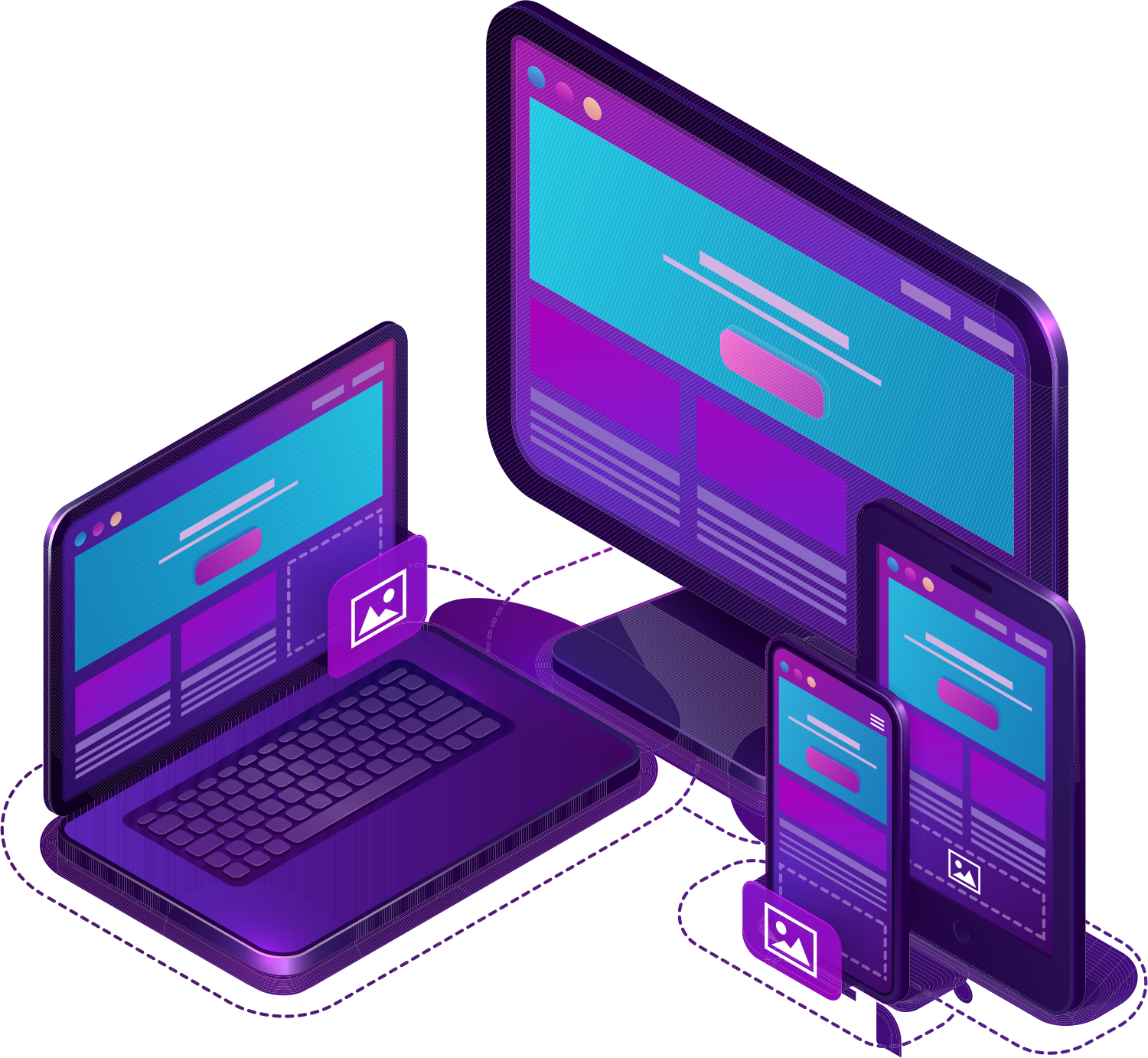
<p style=""color:" black="">visual design of screens</p>
<p style=""color:" black="">Quick and easy development</p>
<p style=""color:" black="">Just 5 days of training</p>
PHL Portal: the comprehensive runtime environment included with all PHL products. It is a high-performance graphical solution that incorporates all the latest advancements in web and desktop technologies.
for developers
The PHL Portal allows you to configure programs, create users or user groups, and assign them the necessary permissions based on their responsibilities. It is secured by user profile or user group.
for users
Just like a Windows application, the PHL Soft toolbar is customizable and brings together the most frequently used applications and utilities. All PHL Soft programs run within the PHL portal.
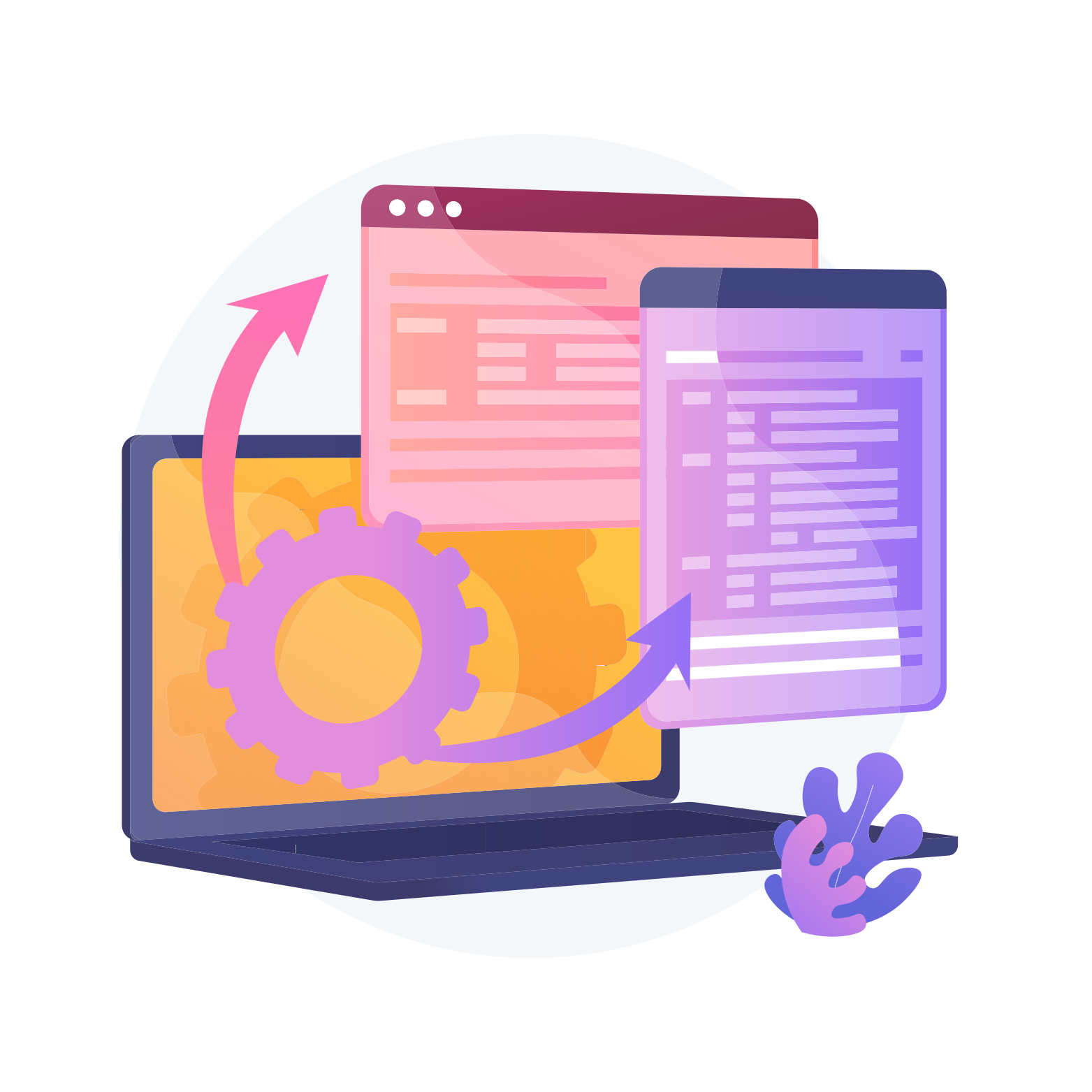
PHL SDW: the complete Web-based development environment
SDW is a powerful graphics tool for IE 11 that lets you design and build real web interfaces without any knowledge of HTML or JavaScript.
SDW is written in web mode, eliminating the need for complex and time-consuming installation on developers' workstations. It is WYSIWYG: the developer can visualize the results of his developments in his own environment. Fully graphical, SWO lets you add typical web form components: checkboxes, radio buttons, images, drop-down lists, combo-boxes...
Three viewing modes help you move forward more quickly: source mode, design mode and structured mode.
Frequently asked questions
Does this apply to all types of AS/400?
PHL Soft solutions run on IBMi machines equipped with at least release V7R1 (the oldest release still supported by IBM).
Which web browsers are compatible with PHL Soft?
For developers, iE 11 is required.
On the user side, Chrome, Firefox and Edge can be used (with a few security-related restrictions).
How are PHL Soft solutions installed?
Each customer receives the complete PHL Soft solution kit. Depending on the solutions purchased (PHL Web, PHL XML, PHL Query, PHL Print or PHL Mobile), activation keys are issued to start working.
Why choose PHL Soft solutions rather than rewriting applications?
Rewriting a business application means running the risk of losing all the company's business knowledge, as these applications are generally quite old and often have little or no documentation.
How long will it take to get the new programs into production?
New programs can be implemented very quickly if you work in phases. In the first phase, the application is taken over as is thanks to a rapid one-shot conversion, identical to the 5250. In a second phase, it can be improved over time.
How much does a new program with PHL Soft cost?
The cost of a program generated by a PHL Soft solution is de facto much lower than when applications are redeveloped (it is generally considered that it takes as much time to redevelop an application as to write the initial program).
PHL Soft solutions dispense with the analysis of the existing system as a reengineering phase (unlike program rewriting): the process is therefore far less time-consuming and therefore far less costly than new development.
How are users of the generated programs managed?
The PHL Portal module enables developers and administrators to create users and manage their rights.
ARMONIE GROUP
31/35 Rue Froidevaux
75014 PARIS
Tel. : 01 88 32 12 34
Terms of use
Privacy policy